
Amazon-ready product photos with a white background
Turn any product snapshot into a clean marketplace listing image: white background, 2000x2000, free.

or drop a file,
paste image or ⌘V / Ctrl+V
E-Commerce & Commercial Studio — Quality & Workflow
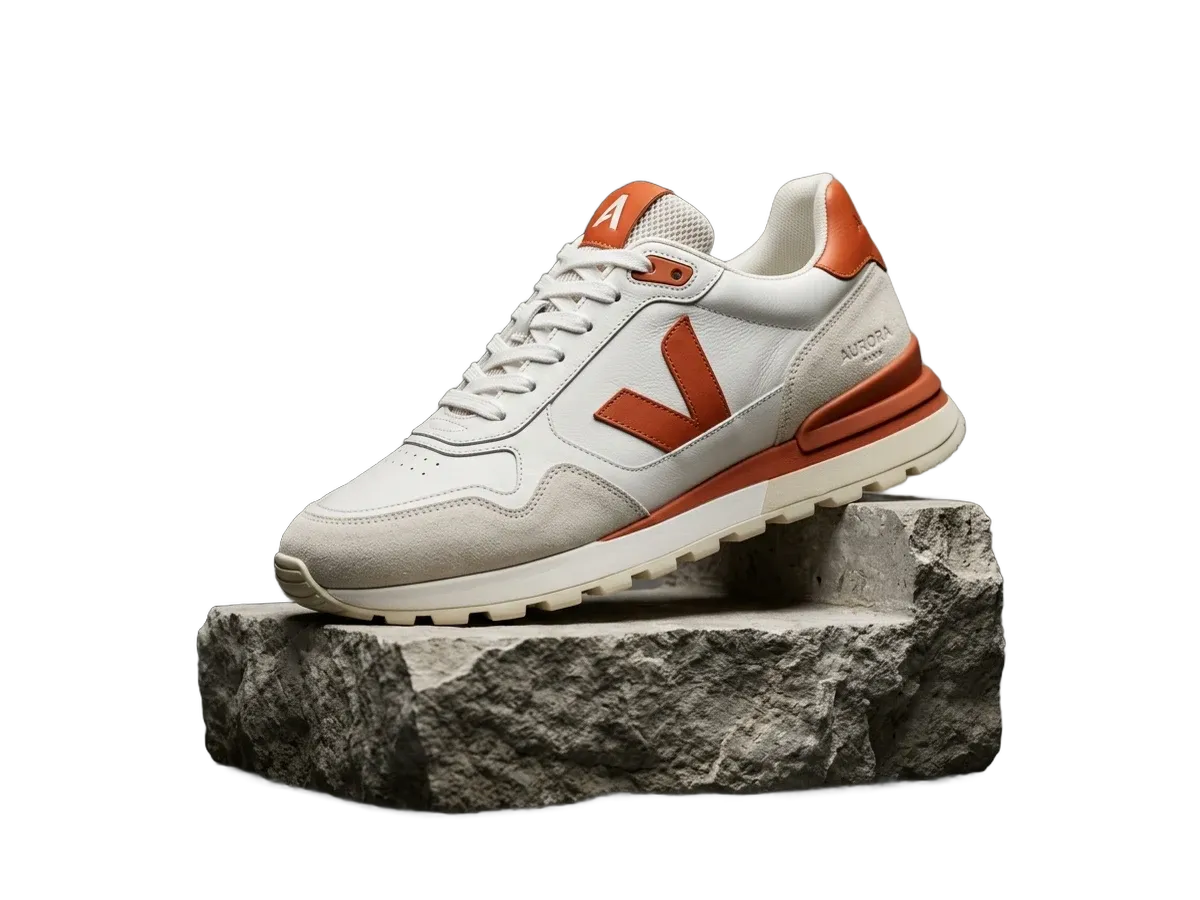
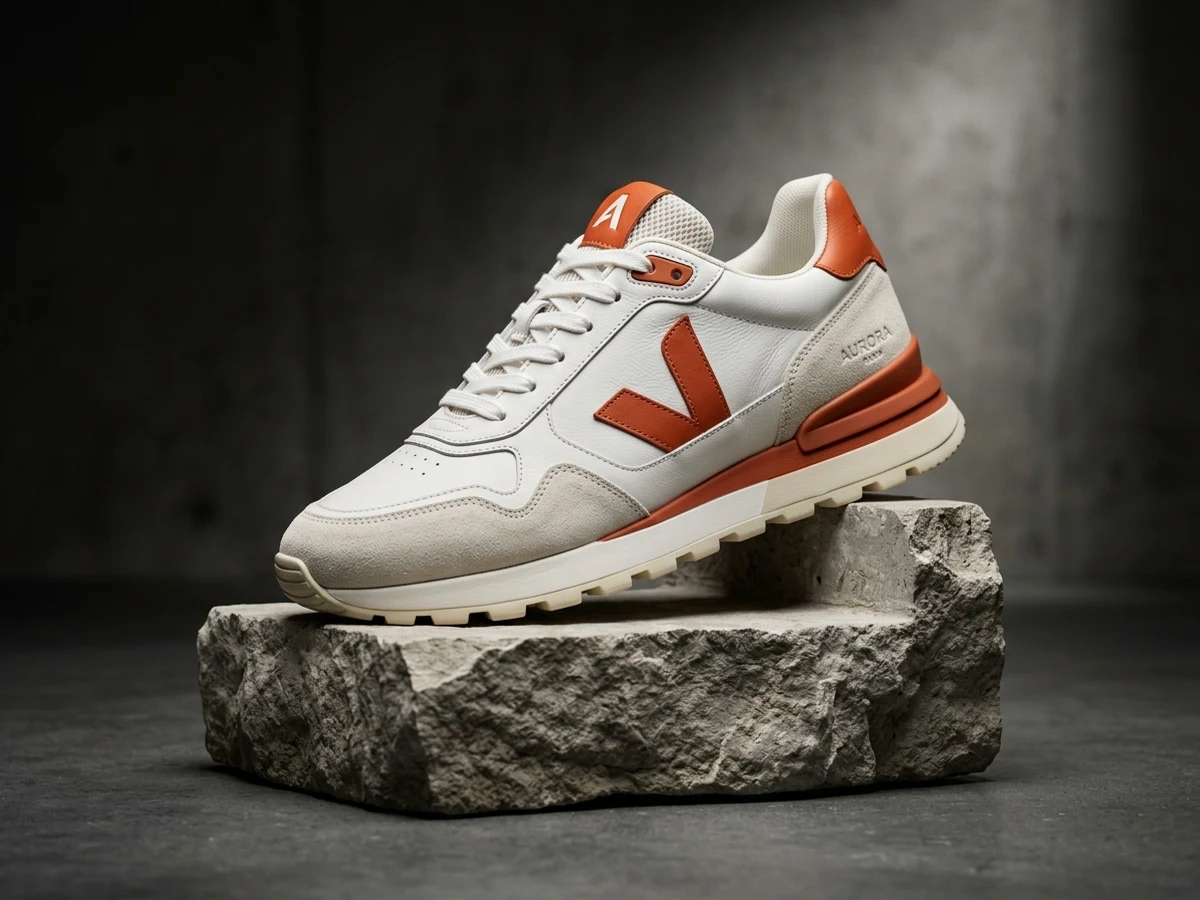
Marketplaces like Amazon, eBay, Etsy and Shopify stores expect product photos on a pure white background, ideally 2000x2000 pixels so shoppers can zoom. Sellers usually pay for studio shoots or subscriptions to get this. ByeBG does it in one click: remove the background with AI, then use the Product preset to place your item on white at exactly 2000x2000, ready to upload.
Because the cutout runs on an edge-refined mask, product edges look crisp instead of chewed, and there is no white fringe around dark items. Add a soft drop shadow for a studio look, or keep it flat for strict marketplace compliance. Everything happens in your browser, so supplier photos and unreleased products never leave your device, and you can batch up to five images free.
How it works
Add a photo
Drag it in, pick a file, or paste from your clipboard.
Let it run
The IS-Net model runs in your browser. Your photo is never uploaded.
Touch up if needed
Fix small edges with the erase and restore brushes.
Download
Save a transparent PNG. No watermark, no account.
Questions
Is ByeBG really free without sign-up or watermarks?
Yes, 100% free. ByeBG runs neural networks directly on your device via WebGPU and WebAssembly, so we incur zero server GPU costs to pass on to you. No sign-up, no credit card, no credits, and zero watermarks on your full-resolution downloads.
Are my photos uploaded to any server or cloud?
No. Unlike traditional cloud background removers, ByeBG never uploads your photos to any remote server or cloud storage. The entire AI segmentation happens locally in your browser memory. You can even disconnect your Wi-Fi after opening the page and it continues to work offline.
How can I remove an image background without losing quality?
ByeBG preserves the native high-definition resolution of your original photo (up to 4096px). It uses edge-aware matting and color decontamination to clean boundary pixels, generating crisp transparent PNG cutouts without blurry edges or compression artifacts.
Can I remove backgrounds from multiple images in bulk at once?
Yes. ByeBG includes a free batch background removal studio. Drop a whole folder or up to 50 images at once; the on-device AI cuts out every subject and lets you download all results together in a single ZIP file. (Note: Because processing runs directly in browser memory, large 50-photo batches may lag or throttle on devices with low RAM; for older devices, 10-20 photos per batch is recommended).
Can I replace the background with pure white or custom colors?
Yes. After removing the original backdrop, you can leave it transparent (PNG/WebP), change it to pure white (#FFFFFF, compliant with Amazon, eBay, and Google Shopping requirements), pick any custom solid color, or apply a soft Gaussian blur to the original background.
How does ByeBG handle tricky details like hair, fur, and jewelry?
ByeBG uses the state-of-the-art IS-Net (Dichotomous Image Segmentation) neural architecture, trained specifically to detect fine silhouettes, individual hair strands, translucent fabrics, and complex boundaries with sub-pixel precision.
Can I manually touch up or erase edges the AI missed?
Yes. ByeBG includes an interactive touch-up brush editor. You can zoom in pixel-close and switch between the erase brush and restore brush with adjustable brush sizes and unlimited undo/redo to perfect any cutout.
Why is ByeBG the best free alternative to remove.bg and PhotoRoom?
Most cloud tools charge per image or restrict free downloads to tiny 0.25 MP previews. ByeBG is completely free for full-resolution exports, requires no subscription or account, has zero wait queues, and guarantees 100% privacy because your photos never leave your device.